Workflows
3 Ways AI Researchers Save Hours Using File Cleaner
Boost your research productivity. See how KleaSnap File Cleaner turns messy PDFs and Word docs into clean, structured data for AI models.
2 min read
Eliminating "OCR Junk" from PDFs
PDFs are notorious for "dirty" data. When you extract text from an academic PDF, you often get broken words, weird ligatures, and headers/footers that repeat on every page. File Cleaner automatically detects these patterns and removes them, giving you a continuous stream of pure text ready for analysis.
Standardizing "Dirty" Word Documents
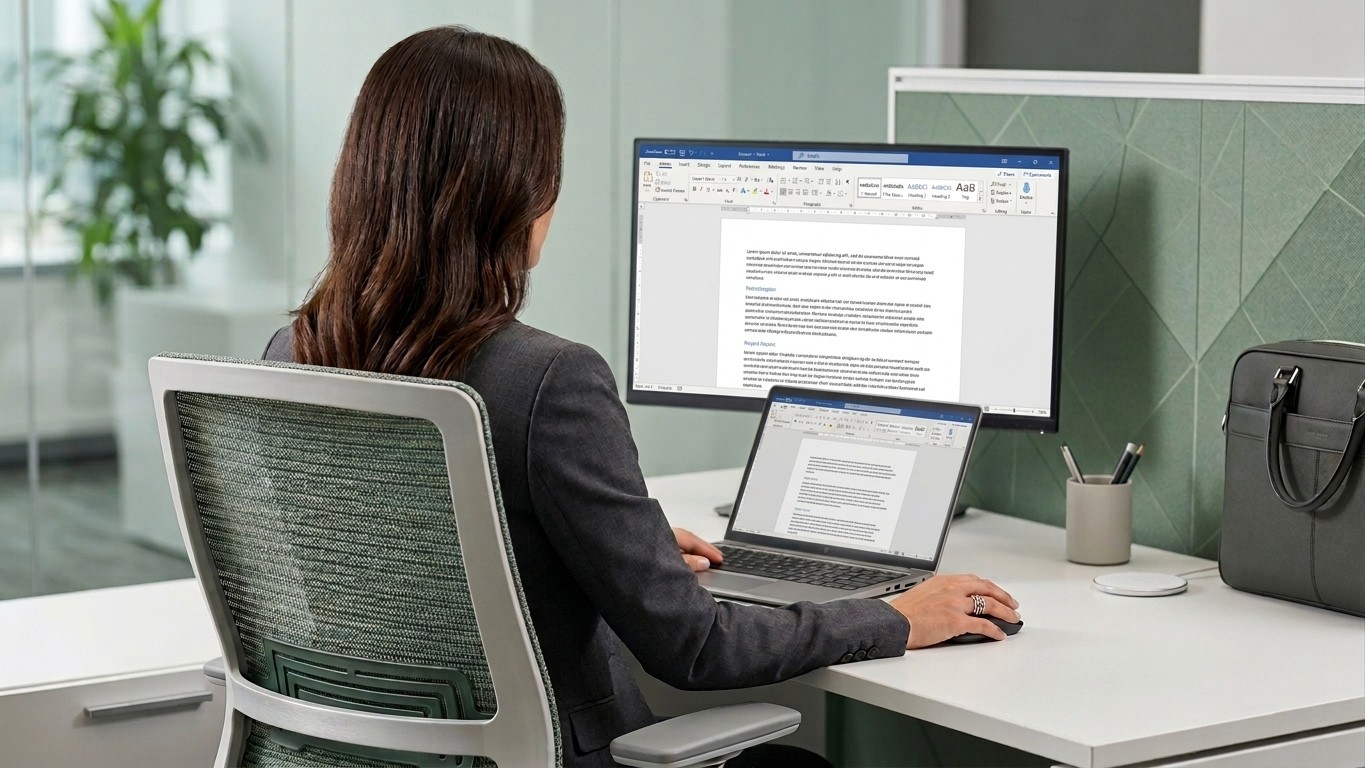
Researchers often deal with Word docs edited by multiple collaborators. This results in messy formatting—a mix of conflicting fonts, hidden styles, and broken hyperlinks. KleaSnap's File Cleaner flattens this complexity into a standardized .txt or .md format, making it instantly compatible with any RAG (Retrieval-Augmented Generation) pipeline.
Preparing Bulk Data for Fine-Tuning
If you are fine-tuning a model, your data quality is your ceiling. Feeding a model 1,000 messy PowerPoint slides will result in a messy, unreliable model. Using KleaSnap to batch-clean your research library ensures that your fine-tuning data is high-signal and low-noise.
Don't waste your expertise on data cleaning. Let KleaSnap handle the dirty work.
View more articles
Learn actionable strategies, proven workflows, and tips from experts to help your product thrive.